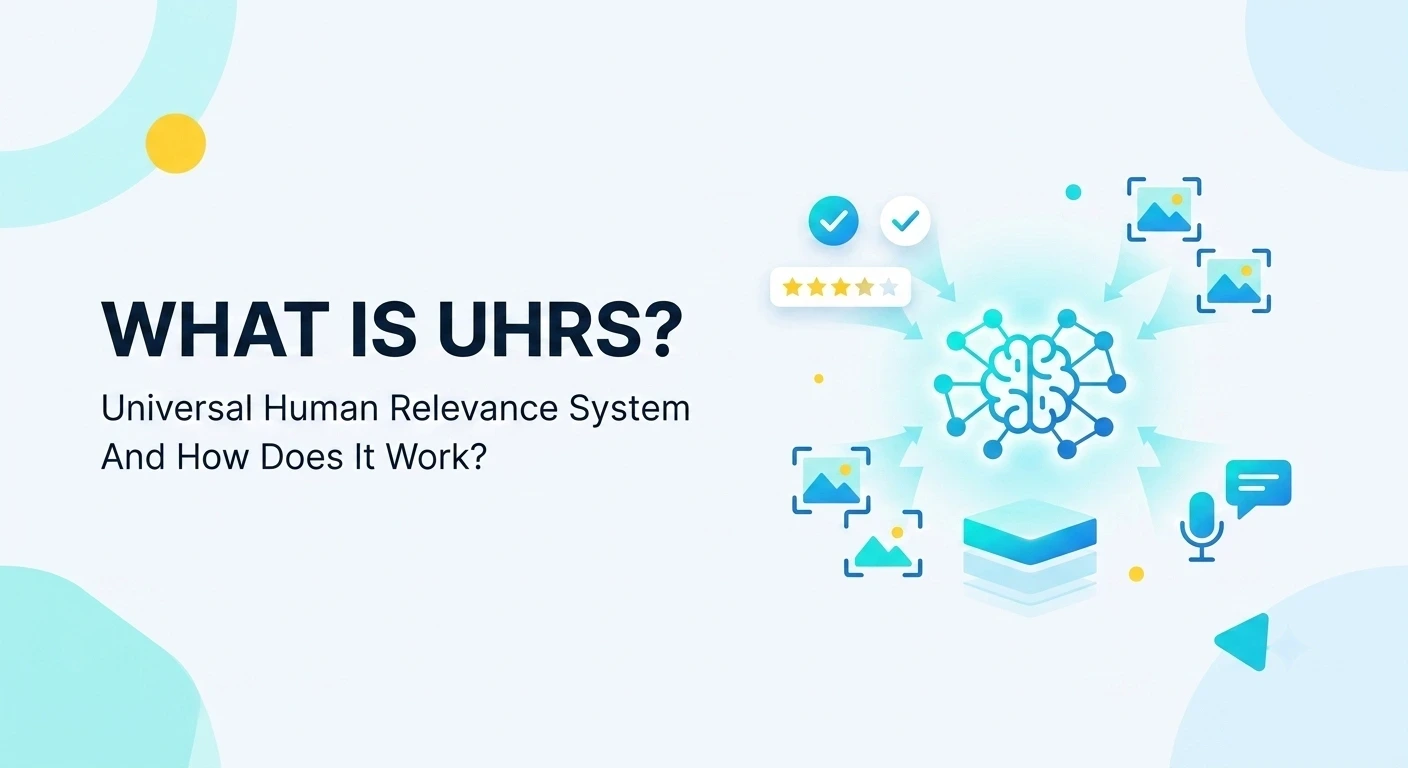
What Is UHRS and How Does It Work?
UHRS stands for Universal Human Relevance System. It’s a platform built by Microsoft, mainly to make Bing (and other Microsoft AI products) smarter.
Here’s the simple version of why it exists: search engines and AI tools can’t fully judge their own results. A machine can guess if a search result is relevant, but it still makes mistakes. So companies need real humans to look at the output and say “yes, this is correct” or “no, this is wrong.” That’s the entire point of UHRS. It’s a massive crowdsourcing platform where regular people review, rate, and label data so machine learning models get better over time.
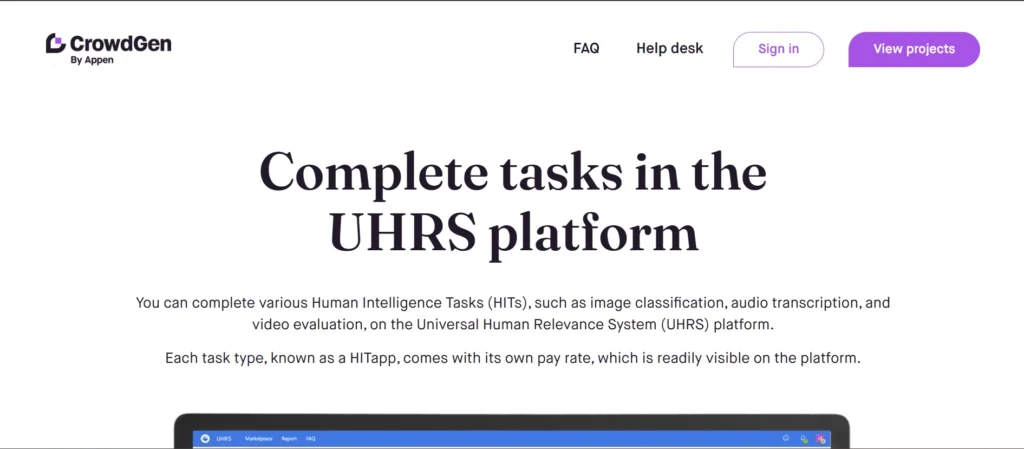
You won’t sign a contract directly with Microsoft, though. UHRS work usually comes through third-party companies like Appen, Clickworker, and Oneforma. They manage the workers (called “judges”) and pay them, while Microsoft and other clients supply the actual tasks.
What Kind of Work Happens on UHRS
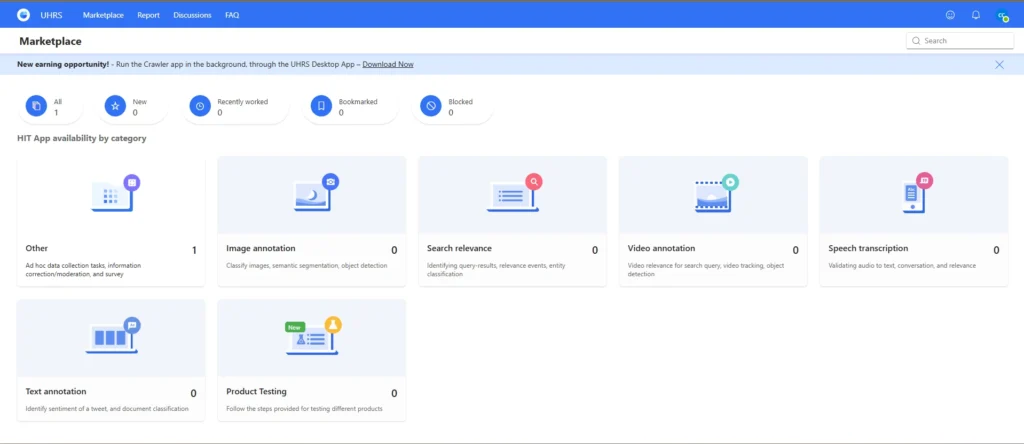
The tasks on UHRS are called HITs, and they’re grouped into “HitApps.” Each HitApp is basically a specific type of job you can pick up. Common categories include:
- Search relevance – looking at a search query and a result, then judging if the result actually answers it
- Image annotation – labeling objects in photos, drawing boxes around things, tagging what you see
- Video annotation – similar idea, but for video clips, like tracking an object across frames
- Audio and transcription – listening to clips and typing out what’s said, or checking if a transcript matches the audio
- Document classification – sorting or tagging written content based on topic, sentiment, or category
- Surveys and data collection – sometimes you’re just answering questions or submitting info, not judging someone else’s output
None of these require special skills. They’re designed to be simple enough that anyone can do them after a short bit of training. That’s the whole idea behind “human intelligence tasks” break a big AI problem into small pieces a person can finish in seconds or minutes.
How You Actually Get Access
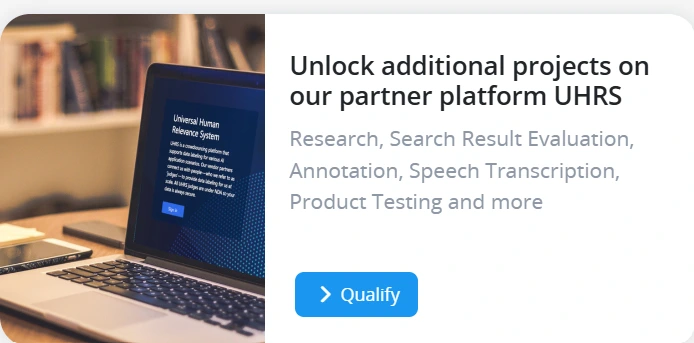
This part trips people up because it’s not straightforward. You can’t just go to a website and sign up for UHRS directly. You get in through one of the partner companies, like Appen’s CrowdGen or Clickworker.
The general process looks like this:
1. You apply through one of these third-party platforms (Appen’s CrowdGen or Clickworker).
2. You set up a Microsoft account (a Windows Live ID, the same kind used for Outlook or Hotmail).
3. You usually take an assessment often a basic English test, sometimes country-specific questions depending on the project.
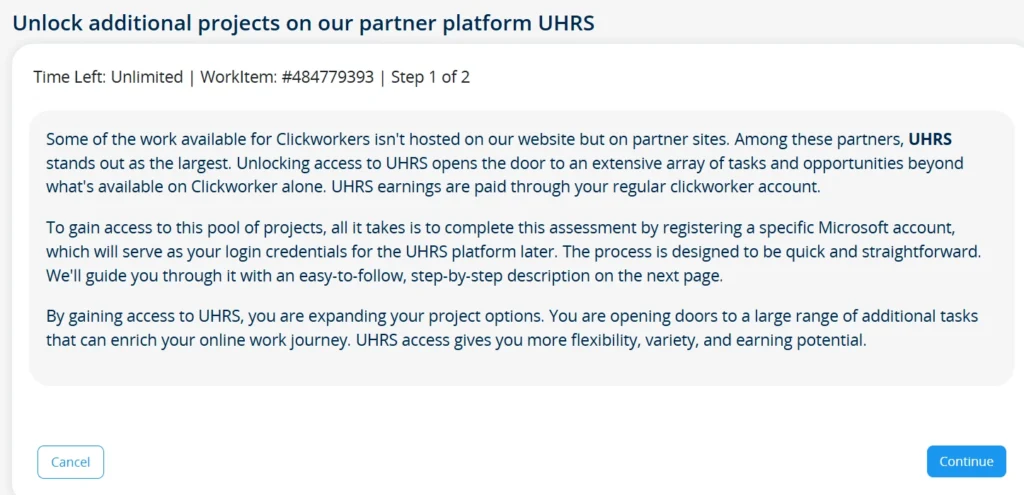
4. The project team reviews your application. This step alone can take one to two weeks, so don’t expect instant access.
5. Once approved, you log into UHRS using that same Microsoft account, and you’ll see the marketplace of available HitApps.
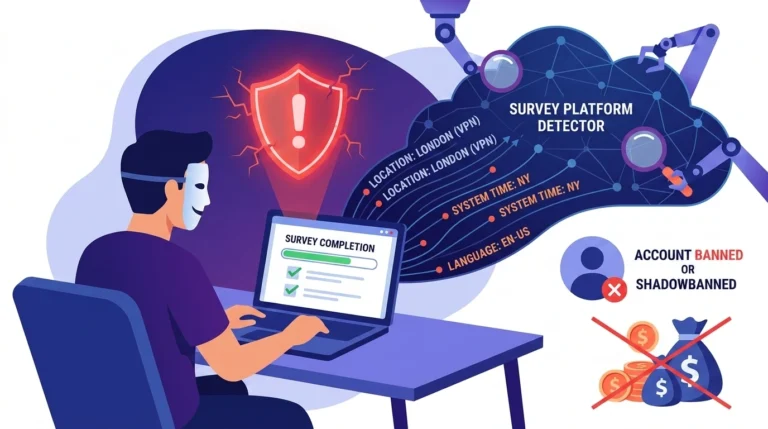
Note: You are expected to work only from your country of residence, VPNs are strictly forbidden, and most UHRS accounts come with a strict non-disclosure agreement (NDA).
UHRS Mobile App
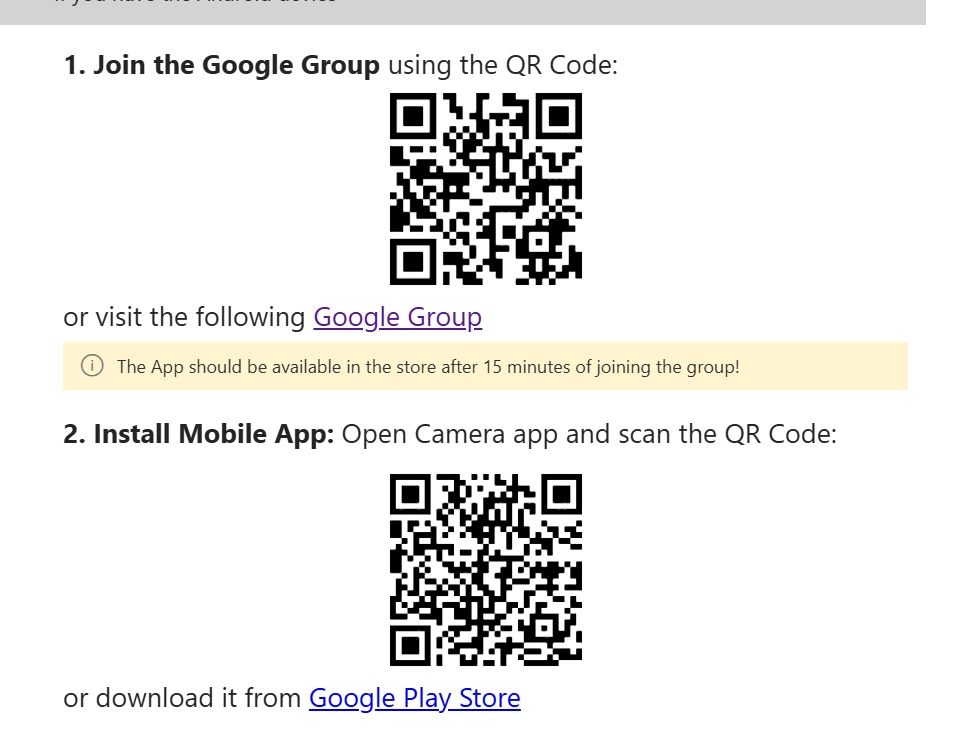
A desktop or laptop handles most UHRS work fine, but you’ll also need the mobile app. Some HitApps particularly those involving smartphone UI testing, video recording, or voice transcription only run on mobile and can’t be accessed from a computer at all.
Downloading the app isn’t as simple as searching your app store. The app is privately distributed, so you need to join a specific Google Group first using your vendor-registered email. That’s what whitelists your account and unlocks the actual download link. Skip this step and you’ll be locked out of a good chunk of the available work every day, so sort it out when you’re first getting set up rather than later.
Also see: Swagbucks Product Testing: What the Official Site Says
How the Marketplace Works
Once you’re in, you’ll see a list of HitApps. Each one shows:
- The pay rate per task
- How many tasks are currently available
- An estimated time to complete each one
Some HitApps are open right away. Others require you to pass a short qualification test first you’ll usually get instructions or sample materials to study before attempting it. This exists so clients aren’t relying on random guessing; they want consistent, accurate judgments.
Availability is the tricky part. Tasks aren’t unlimited, and they get used up fast. Clients load a batch of HITs, and once those are claimed by workers, that’s it until more get added. This means logging in regularly matters more than logging in for long stretches. People who check often and grab tasks early tend to earn more than people who log in once a day for a few hours.
How Pay and Quality Work
You get paid per task, not by the hour. Rates vary depending on the difficulty and length of the HitApp a quick relevance judgment might pay a few cents, while a longer annotation task pays more.
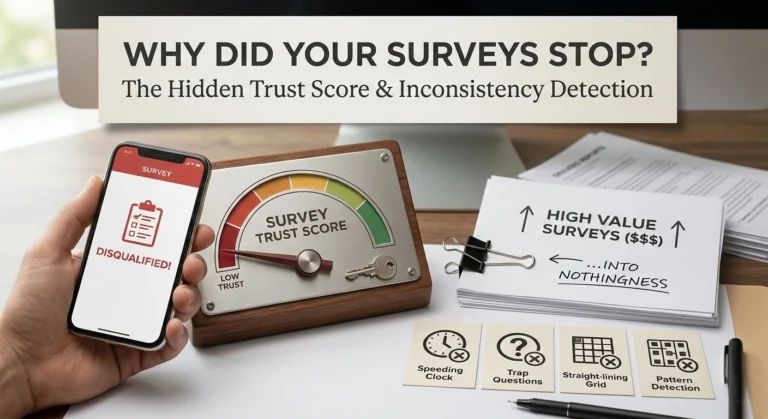
Quality matters a lot here, maybe more than people expect going in. UHRS tracks your accuracy using something called “spam HITs.” These are hidden test questions mixed in with real tasks. You don’t know which ones are spam and which are real, so you have to treat every task the same way. If your accuracy drops too low, you can lose access to that HitApp, sometimes permanently.
There’s also something called an RTA, or Real-Time Audit. Occasionally after submitting a task, you’ll get a pop-up showing the correct answer and the reasoning behind it. This is basically instant feedback to help you calibrate your judgments going forward.
So the system isn’t just “do the task and get paid.” It’s closer to a constant quality check running in the background the entire time you’re working.
Note: Even if your answers are 100% accurate, submitting them too quickly will trigger an automatic “velocity ban.” Every HitApp has a hidden minimum time-per-task threshold. If you rush, the system assumes you are using a bot or clicking blindly. Take your time.
Why It’s Built This Way
There end goal isn’t really paying people, it’s training AI and search systems with accurate human judgment. If the judgments are sloppy, the entire dataset becomes useless to the client. That’s why low-quality work gets filtered out fast, and why some workers find the system frustrating.
It also explains why task availability is inconsistent. Microsoft and other clients only load HITs when they actually need data for a specific project. There’s no obligation to keep a constant stream of work flowing, because UHRS isn’t designed as a guaranteed income platform. It’s designed as a data pipeline, and the pay is just what makes people willing to be part of that pipeline.
Is It Worth Doing
That depends on what you’re looking for. UHRS isn’t a full-time income replacement for most people. Task availability swings a lot depending on your location and the current demand from clients. Some people genuinely make decent side income from it because they treat it like a part-time job checking in multiple times a day and working consistently. Others get frustrated by how unpredictable the workload is and leave.
If you’re patient, don’t mind repetitive work, and treat it as a flexible side hustle rather than a primary job, it can be a legitimate way to earn some extra money. If you need predictable hours and steady pay, it’s probably not the right fit.