SavvyConnect Review: It is Legit but..
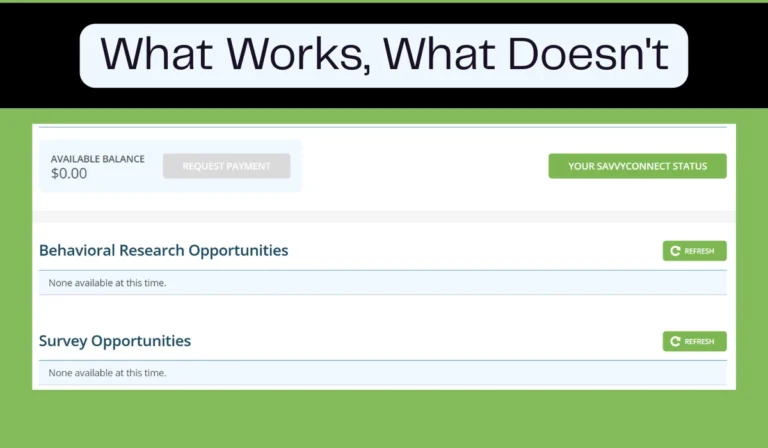
SavvyConnect is the passive income arm of SurveySavvy, a market research company that’s been around since 1999. The parent company is Luth Research, based in San Diego, and they’ve got an A+ rating from the Better Business Bureau.
How it works? You install their app on your devices, it tracks your browsing activity, and they pay you monthly for sharing that data.
No surveys just install and exist.
The app collects information about what websites you visit, what searches you make, what videos you watch, and what products you look at online. This data gets anonymized and sold to market research clients who want to understand consumer behavior.
In exchange, you get cash.
What You Actually Get
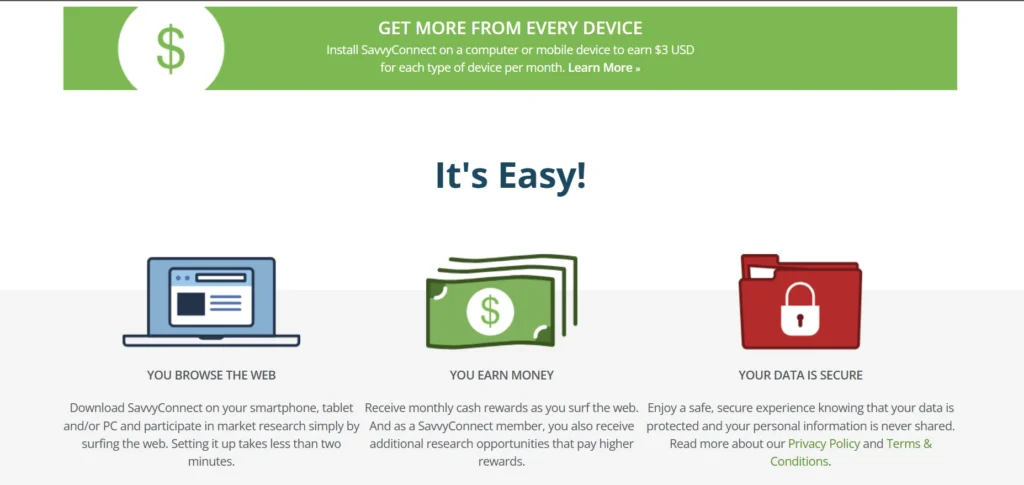
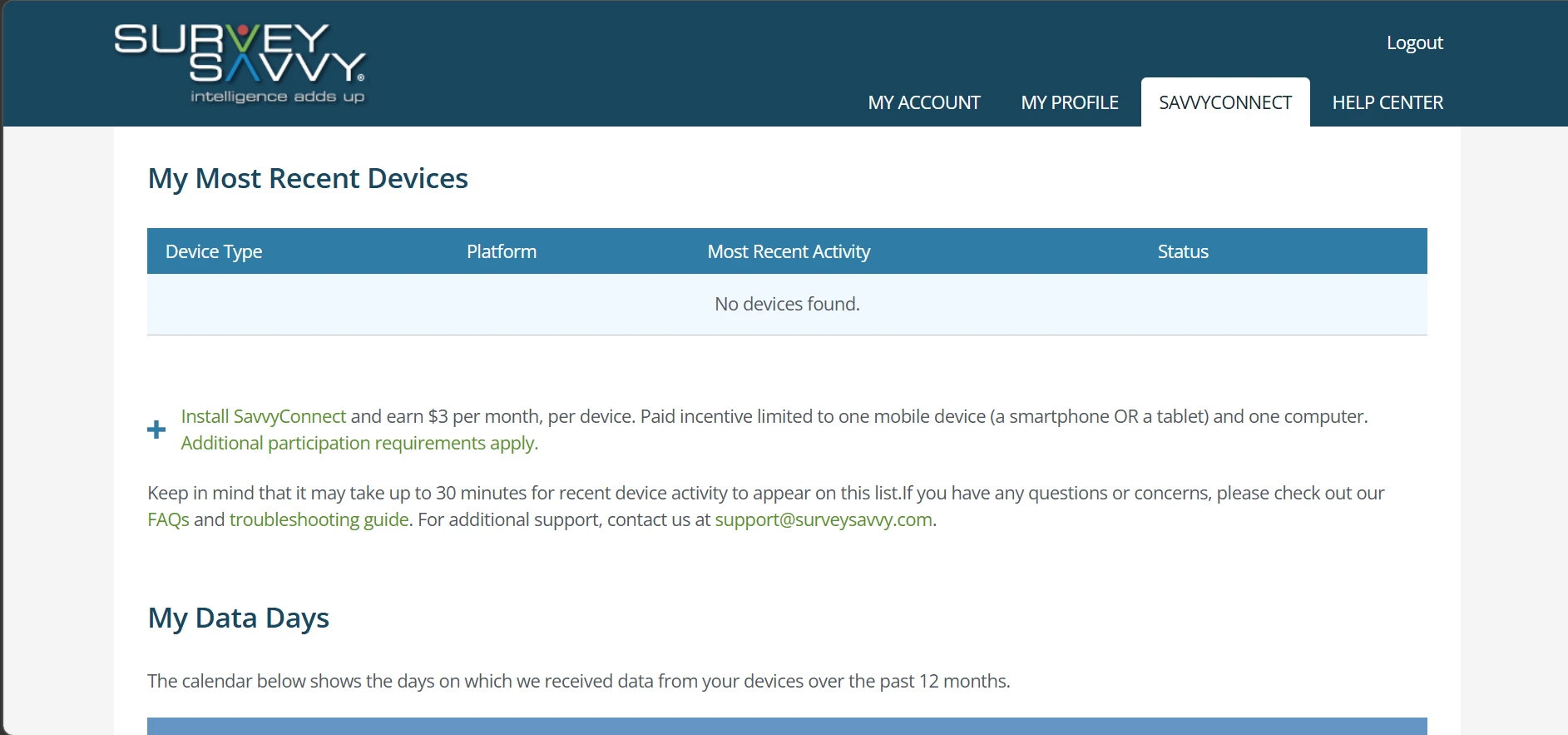
The official rate is $3 (previous $5) per device per month now. You can install it on up to three devices a computer, a phone, and a tablet which means you could theoretically earn $9 a month, or $108 a year, for doing absolutely nothing
But the payment isn’t automatic. To earn for a given month, you need to meet activity requirements:
So, if you install it and then never use that device, you don’t get paid.
How It Actually Works
I dug into the technical details because, frankly, letting an app track everything you do online is a big ask.
The app uses two main technologies:
- VPN service – SavvyConnect establishes a VPN tunnel to collect web request data. This is how they see what sites you visit and what searches you make.
- Accessibility service – On Android, the app can also collect information about your app usage, purchases, and media consumption. This is an optional feature but if you want maximum earnings, you usually need to enable it.
Privacy Protections
- Data is encrypted during transmission.
- The app respects private browsing and incognito modes when these are enabled, it stops transmitting data.
- You can pause data collection at any time (on iOS, you can pause for one hour; on Android, you quit the app from the notification tray).
- Luth Research states they never sell or share personally identifiable information; clients only see aggregated or anonymized data.
The Payment Problem
SavvyConnect earnings get paid out through SurveySavvy’s main system. That means:
What You’re Actually Giving Up
They’re not paying you $3 a month because they like you. They’re paying you because your browsing data is valuable.
So what exactly are you handing over?
Full browsing history
The app collects the websites you visit, the searches you make, the videos you watch, and the products you look at online. On Android, with the optional accessibility service enabled, it can also see which apps you use, what purchases you make, and what media you consume.
Continuous background monitoring
Once installed, the app runs in the background. It’s not something you log into when you remember. It’s always there, unless you manually pause it or uninstall.
Connection to your real identity
You sign up with your name, email, and address because they need to mail your checks. So, the browsing data is tied directly to a real person, not an anonymous ID. Luth Research says they “never sell or share personally identifiable information” and that clients only see aggregated or anonymized data. But you’re trusting a market research company to keep that promise.
The fine print

The terms note that data may be shared with affiliates, service providers, and business partners. While they claim those partners are contractually bound to protect your data, you’re essentially giving them permission to hand your information to a network of companies you’ve never heard of.
No real control over what’s collected
You can’t say track my shopping but not my health searches. The app doesn’t offer granular controls. You either let it track everything or you pause the whole thing.
What happens when you pause?
On iOS you can pause for one hour at a time. On Android, you quit the app from the notification tray. But pausing means you don’t earn for that day. To get the monthly payment, you need at least seven days of active transmission. So, if you’re privacy‑conscious, you have to choose to earn the money or keep your week’s browsing to yourself.
Who Can Actually Use This
SavvyConnect is currently only available to US residents. If you’re outside the US, you can still join SurveySavvy and take surveys.
I learned this the hard way. When I first signed up for SurveySavvy years ago, India wasn’t even an option in the country dropdown. I selected United States just to get in, and for a while, it worked, I got surveys built up the balance.
Then they figured it out and account suspended
Now, years later, SurveySavvy officially accepts members from over 190 countries, including India. My account still exists the login works; the balance is still there but I don’t get surveys anymore. The flag from that old suspension never got cleared.
So, if you’re in the US, SavvyConnect is a real option. If you’re anywhere else? You’re locked out but you can do surveys.
For Whom it is Actually For
- People comfortable with data sharing – You’re selling your browsing history. If that makes you uncomfortable, this isn’t for you.
- Those who already use SurveySavvy for surveys – The app unlocks exclusive survey opportunities. If you’re already in the ecosystem, adding SavvyConnect makes sense.
- US residents – This is non-negotiable. If you don’t live in the United States, it’s not for you.
Technical Side
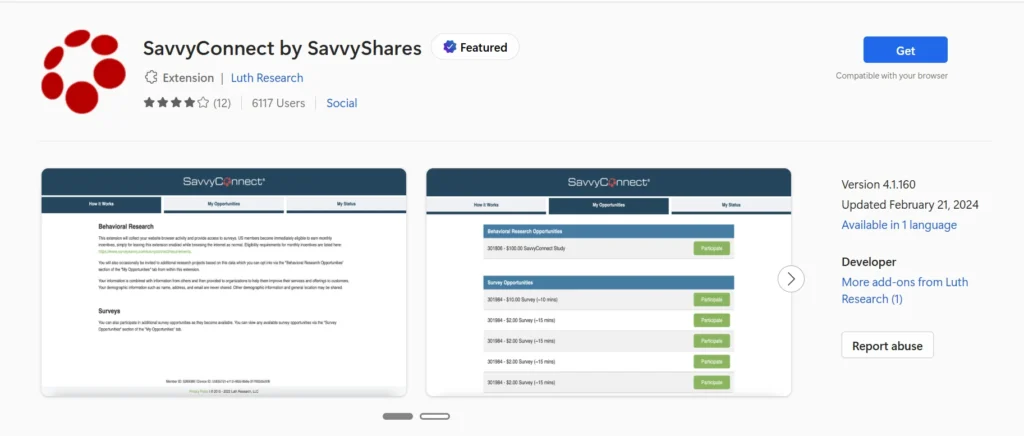
If you decide to go ahead, here’s what you’re actually putting on your devices:
Supported devices:
- Android phones and tablets (OS 5+)
- iOS devices
- Windows PCs
- Mac computers
- Chromebooks
- Linux machines
Supported browsers:
- Google Chrome
- Mozilla Firefox
- Microsoft Edge
- Amazon Silk
- Samsung Internet
Installation requirements:
- You need a SurveySavvy account first
- Download links are available on the SurveySavvy website after login
- Installation is free and takes a few minutes
What you can opt out of:
- Private browsing/incognito mode stops data collection
- On mobile, you can disable the VPN to pause collection
- You can uninstall at any time
The Bottom Line
If you’re in the US and you want a set-it-and-forget-it way to earn a little extra cash, you can use it (only if you are comfortable sharing your browsing data).
If you’re outside the US? The app isn’t available to you. And if you try to fake your location like I did, you might end up with a suspended account and a balance you’ll never see.
SavvyConnect isn’t a scam but it’s not a reliable way to earn meaningful income. Most users earn only a few dollars per month, and the app requires access to browsing and app usage data.
It may be worth considering if you’re comfortable sharing your data in exchange for small passive earnings, but it’s not recommended for users who prioritize privacy or are looking for substantial income.
You’re essentially renting out your digital footprint. For $3 a month per device, a market research firm gets to watch your online habits 24/7. Some people are fine with that trade‑off. Others, after reading the fine print, decide it’s not worth it.